Expert-led training built around your date, skill level, and pace.
No commitment — just helping you plan the class.

Choose Your Dates to See Availability & Get Your Best Price Quote

Google Workspace Using Gemini

Google Workspace Using Gemini AI for Enterprise and Government

Virtual Online Live Training (VOLT™) Access from Anywhere

Course Synopsis

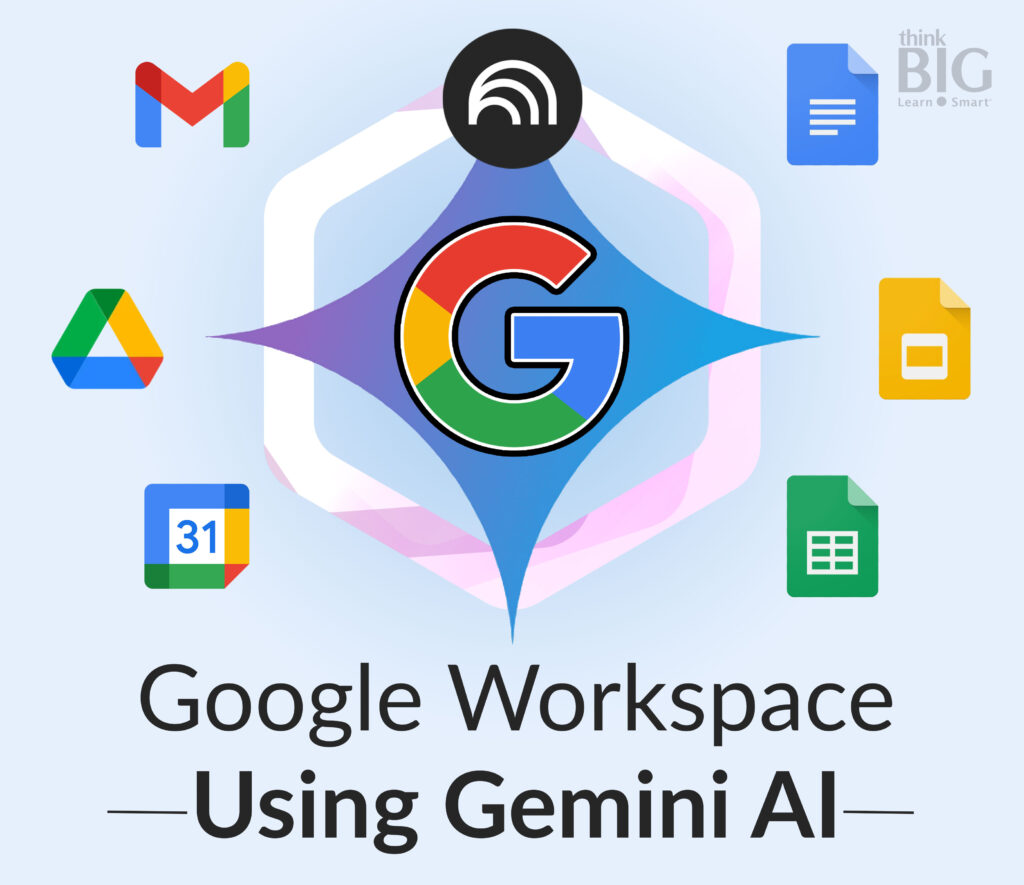
This course equips professionals with the knowledge and hands-on experience needed to harness Google Gemini AI within Google Workspace tools such as GMail, Google Drive, Docs, Sheets, Slides, Calendar, NotebookLM, and more. Participants will explore AI-driven productivity enhancements, visual communication strategies, and ethical considerations for AI adoption in their organizations.

Through hands-on exercises, attendees will gain practical insights into the power and efficiency Google Gemini AI can bring to everyday work, and the new horizons and content types that it can unlock.

Duration: 1 Day

See complete course outline and information below.

Outline & Course Information

Locations for Training:

Prerequisites:

  • Minimum 1 year of experience with Google Workspace (GMail, Calendar, Google Drive, Docs, Sheets, and Slides) applications or completion of relevant ThinkB!G introductory courses.
  • A Google Workspace (paid) account
  • A computer or laptop with stable internet connectivity.
  • A second monitor or device for live instructor viewing and hands-on exercises.

Job Roles That Use Google Workplace and Gemini AI & NotebookLM:

Analysts
Consultants
Content Creators
Curriculum Developers
Data Analysts
Editors and Writers
Educators and Curriculum Developers
Executive Assistants
Government Employees
Grant Coordinators
Graphic Designers
Human Resources Managers
IT Support Specialists
Marketing Managers
Podcasters
Project Managers
Public Relations Specialists
Small Business Owners
Social Media Managers
Students
Therapists or Counselors
UX/UI Designers
Video Editors
Web Developers

Projects That Use Google Workplace and Gemini AI & NotebookLM:

Marketing Campaigns
Course Development Projects
Podcast Production Workflows
Research Summaries
Client Onboarding Processes
Content Calendars
Event Planning Schedules
Grant Proposal Drafts
Product Launch Plans
Team Knowledge Repositories

Enhance Efficiency and Creativity Using Google Workspace, Google Gemini AI, and NotebookLM for Professionals Course Outline

Google Gemini Overview

  • What is Google Gemini and how does it integrate with Google Workspace?
  • Overview of Gemini’s AI-powered extensions to Gmail, Docs, Drive, Sheets, Slides, and Calendar.
  • What is Gemini NotebookLM and how can it revolutionize your work?
  • Learn how to use NotebookLM with your own docs, PDFs, sites, and slides—an AI trained solely on your data to generate summaries, explanations, and answers.
  • Learn to automatically create podcasts from any of your content.
  • Case studies: How agencies are leveraging AI to improve efficiency.
  • Introduction to effective AI prompting strategies in each Google Workspace application.

Improving Gmail Productivity with Google Gemini

  • AI-powered email management: Auto-replies, email summarization, and AI-generated
  • Using AI to streamline official communications and handle large volumes of
  • Best practices for AI-assisted email responses in government settings.
  • How to craft effective AI prompts for email generation and summarization.
  • AI-powered citizen inquiry responses and government press releases.

Using AI for Visual Communication in Reports and Presentations

  • How Google Gemini generates visual content for presentations and reports.
  • Leveraging AI to create infographics, slide decks, and AI-enhanced charts.
  • Best practices for AI-assisted design in marketing and communications.
  • Using AI for accessibility in ADA-compliant content.
  • Creating AI-assisted infographics.

AI Policy & Compliance

  • Legal and security considerations when using AI.
  • AI governance models for responsible adoption.
  • Best practices for using generative AI.
  • How to assess AI-generated content for compliance.
  • Strategies for AI adoption and implementation.


Disclaimer: All course objectives and outlines are used as a guideline and are subject to change to ensure the latest information is covered to support real world use of the technology.

Software Versions:

ThinkB!G open enrollment classes are taught on the most current version of software whenever possible. To request a specific version, please Contact Us or call us at 301-362-2250.

What's Included in Your ThinkB!G Training

  • Expert Virtual Live Instructor-Led, Hands-On Training by Senior Consultants, Designers, and Developers
  • Remote Access to Class Computer with Pre-Installed Software—No Licenses, Installs, or Downloads Required!
  • Instructor Live View of Participant Screens for Real-Time Over-the-Shoulder Support
  • Digital Course Materials for Post-Class Reference
  • 1-Year Access to Searchable Class Recording
  • Certificate of Completion
  • Certification Pack Option (if applicable): Includes Online Test Prep, Exam Voucher + 1 Retake, and Virtual Exam Proctoring
  • IT Support for Technical Setup & During Training

Certification

No certification available

Custom Private Training

We offer this course as Custom Private Training or Project Based Training®!

If you have a team of individuals, you can receive bulk discounts by doing your own Private training session & cover your specific learning objectives!

What’s Included?

  • Custom Outline to include Targeted Topics Based on Your Learning Needs
  • Instructor Led Hands-On Virtual Online Live Training (VOLT™) & Certification
  • Training Delivered from Certified Instructors that are Senior Consultants
  • Official Curriculum Courseware & Personal Use of Class Recording for Limited Time
  • Certificate of Completion
  • Remote Access to ThinkB!G Class Computer with Software licenses & Class Files Pre-Installed for Use During TrainingNo Installs or Downloads
  • Instructor‘s Real-Time View of ThinkB!G Class Computer Screen for Immediate Live Interactive Support
  • If Certification Training is Selected, It May Include a Test Prep Tool, Testing Voucher with Free Retake, and Proctor Fee (if taken with ThinkB!G Virtually)
  • Note: IT Support is Available to Pre-Flight Virtual Class Set Up Before & During Training

Submit details and a formal training quote will be sent to you!

Request a Quote

Reviews

Important Notice: Please avoid accessing ThinkB!G remote student computers on devices marked as classified or containing confidential information. Opt for an alternate computer for your training requirements, and for any specific class participation needs or inquiries, don’t hesitate to get in touch with [email protected].
Google Workspace Using Gemini

Class Details

Table of Contents

Related Training

Related Solutions

Schedule Appointment

Fill out the form below, and we will be in touch shortly.
Contact Information
Vehicle Information
Preferred Date and Time Selection